
Payroll settings
Settings related to payroll configuration and generation.
Payroll burden
Payroll burden is a percentage of the employee payroll that accounts for any additional employee costs such as insurance, bonuses, and so on. After activating the payroll burden here, you can configure it for each job site in job site settings.
Here, you also specify if the payroll burden amount is entered as a Fixed amount or a Percentage-based value (the percentage of the employee payroll).
Early payroll approval
This setting allows you to designate specific payroll weeks as eligible for early approval. When enabled, the approval becomes available three days before the payroll week ends. For example, if a payroll week ends on Sunday, early approval becomes available starting Friday.
To select eligible payroll weeks, click SELECT WEEK ENDING and choose the desired week ending dates from the calendar. Selected weeks display below, showing the payroll week ending date, as highlighted in the following screenshot.
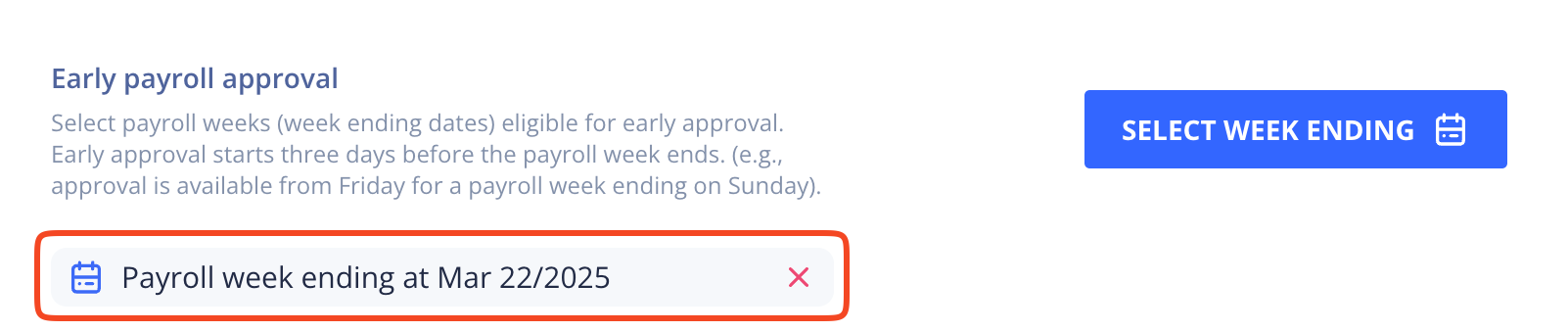
A week selected for early approval
You can remove a selected week by clicking the X icon next to it.
Updated 10 months ago